

Speechify for Access to Work
Speechify supports Access to Work (AtW) users in the UK, improving accessibility, productivity, and independence
 2025 Apple Design Award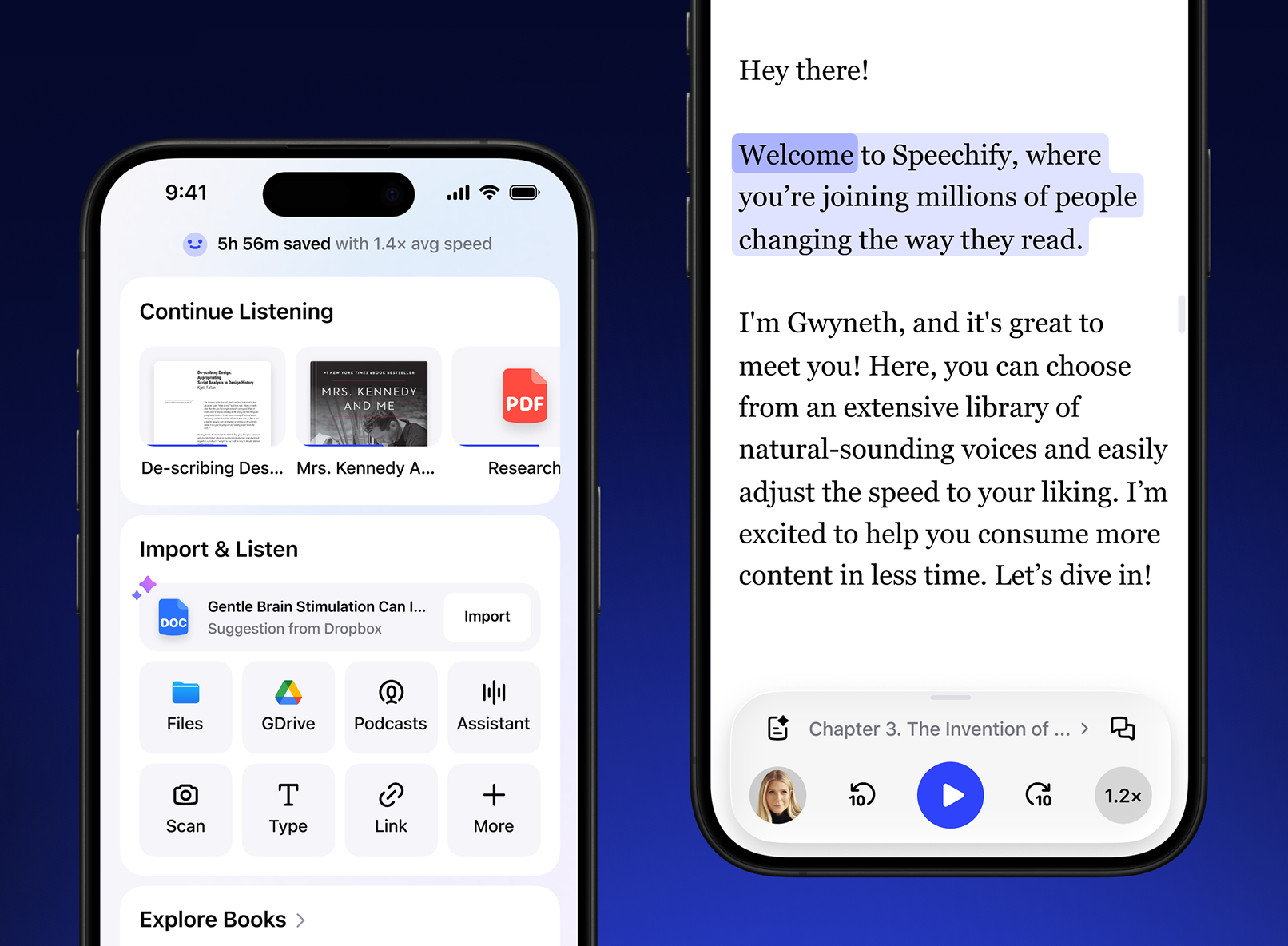
What is Speechify?
Speechify is the world’s #1 text-to-speech platform, transforming text into lifelike audio. Designed to support employees who face reading, comprehension, or focus challenges, Speechify enhances workplace accessibility, productivity, and independence.
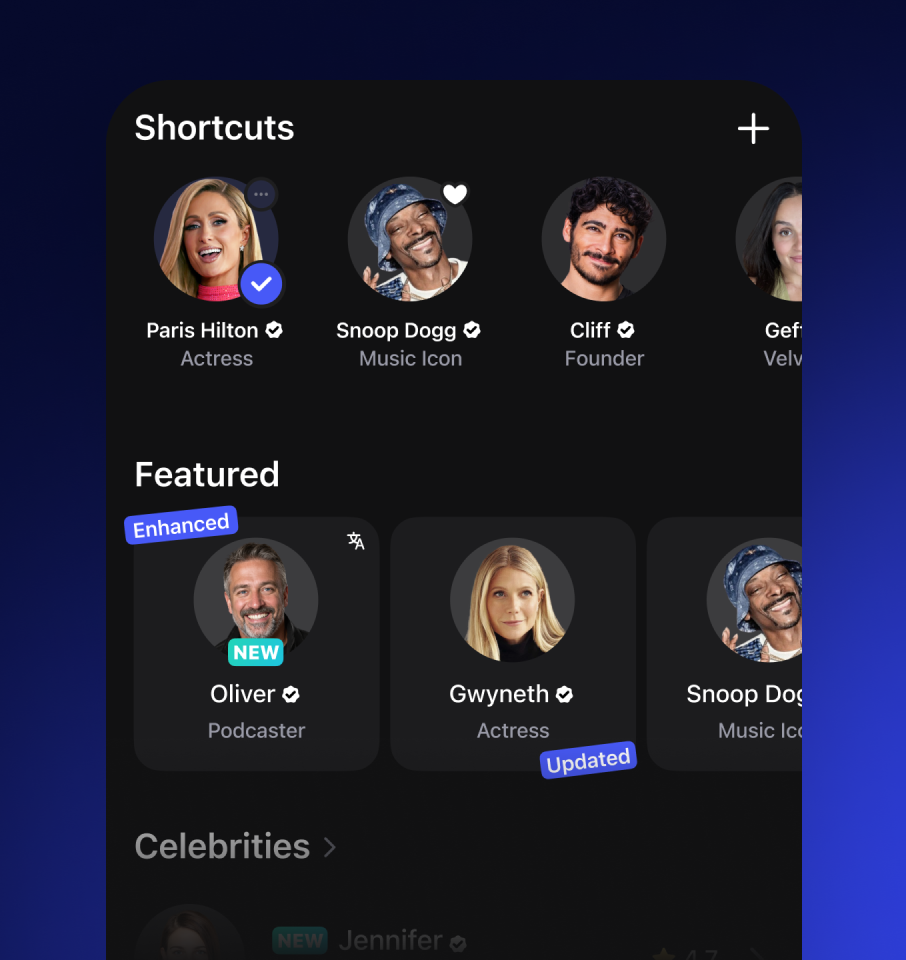
240+ Human Voices
Turn emails, reports, documents, or web pages into lifelike audio in 60+ languages with over 240 lifelike Al voices, including celebrity voices.
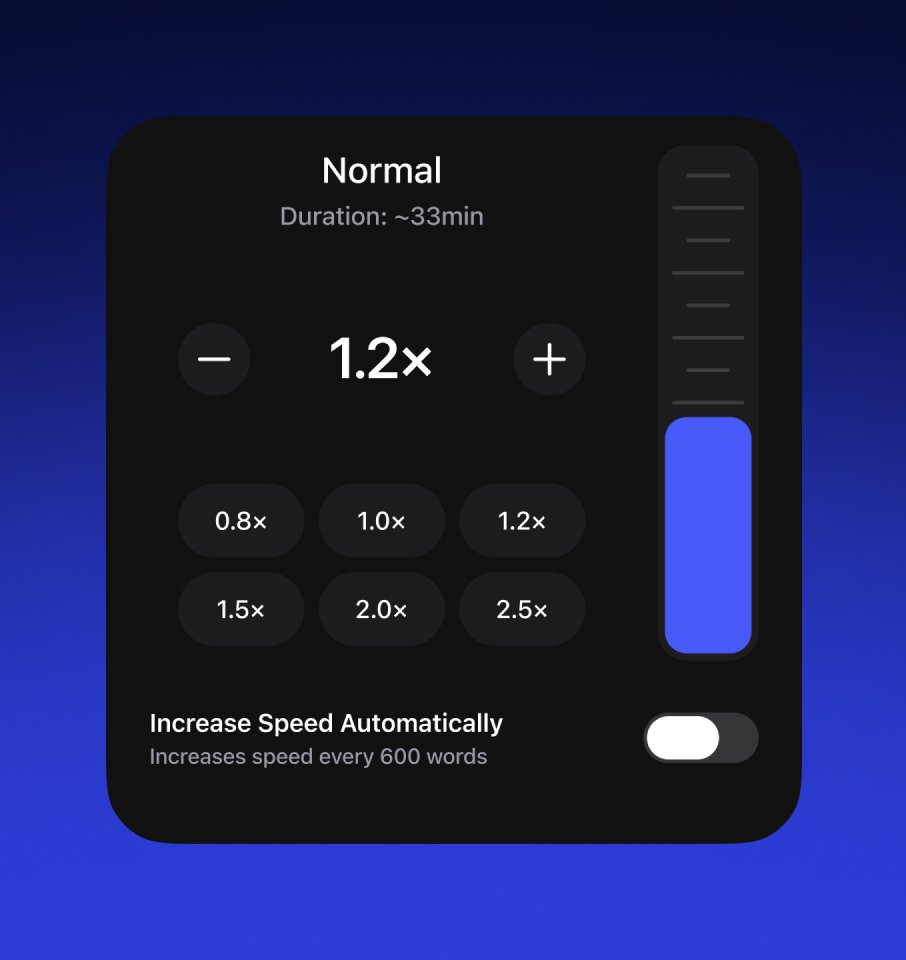
Personalised Reading
Customise your reading to suit individual needs: set speed, select voices, adjust font styles, and apply colour filters for improved readability.
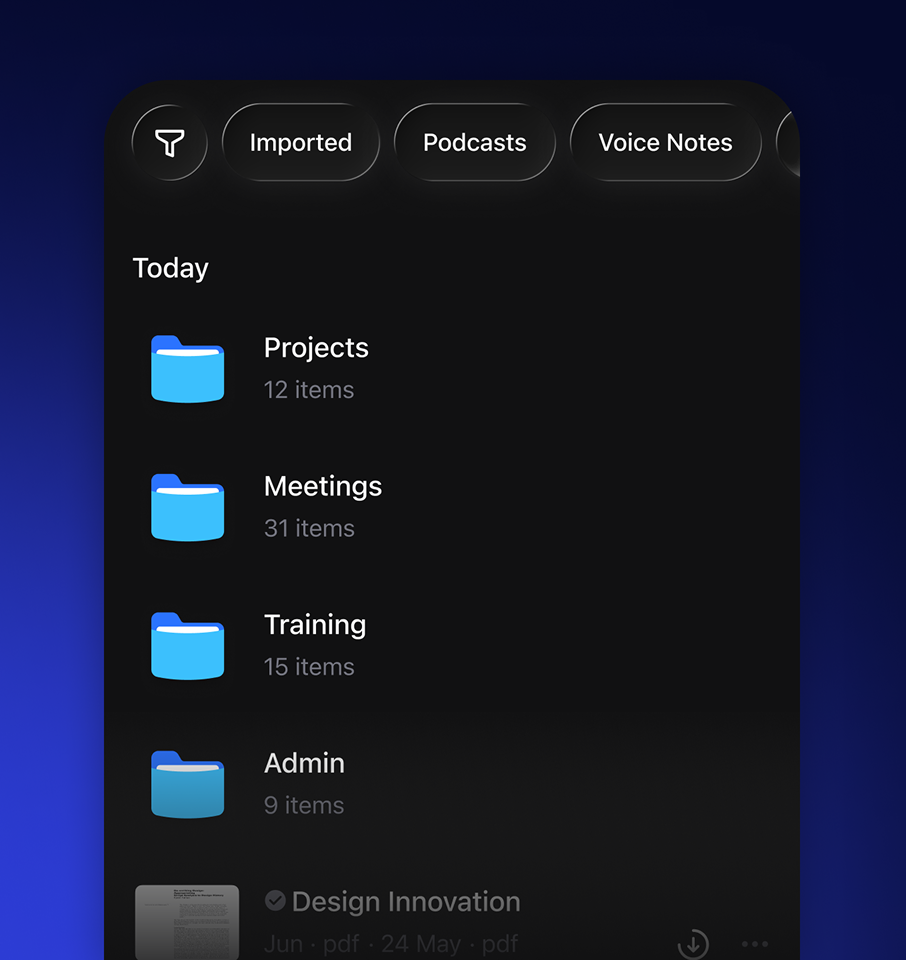
Folder Organisation
Speechify's folder system organises workplace documents and is perfect for managing projects, tasks, or training materials.
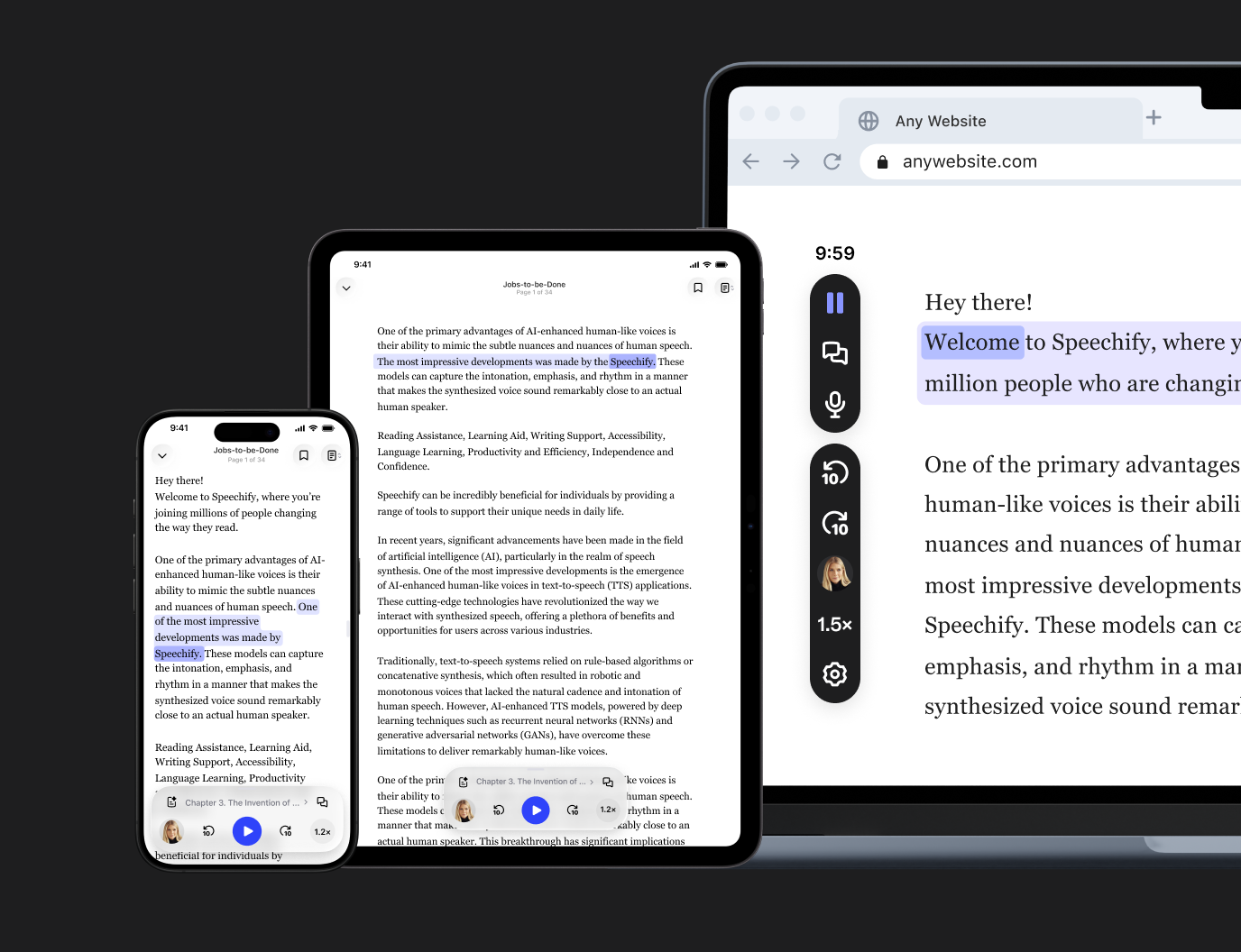
Whether at a desk or on the move, Speechify supports productivity anywhere - available on desktop, mobile, or tablet.
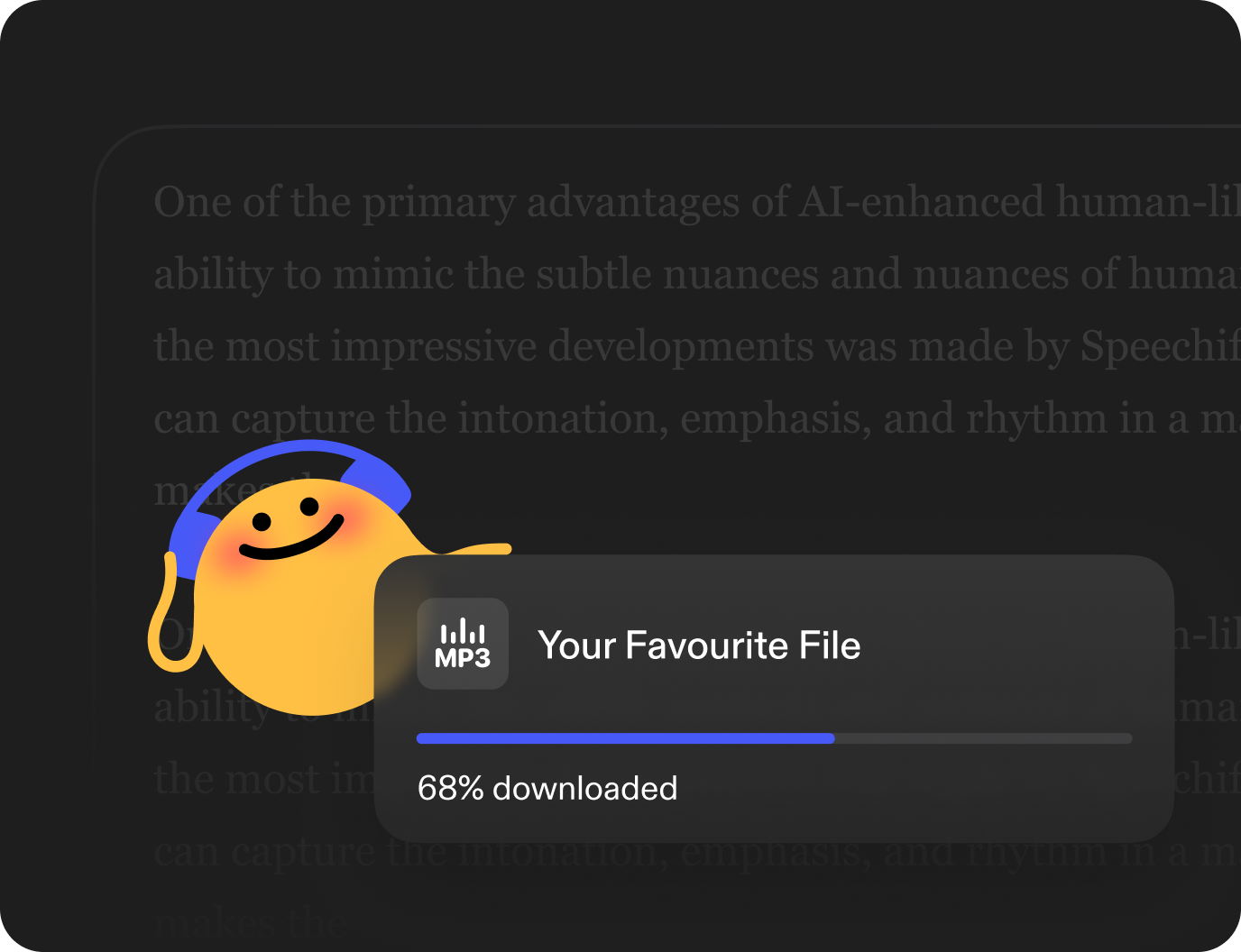
No Wi-Fi? No problem. Employees can download content and listen offline — ideal for commuting, fieldwork, or remote environments.
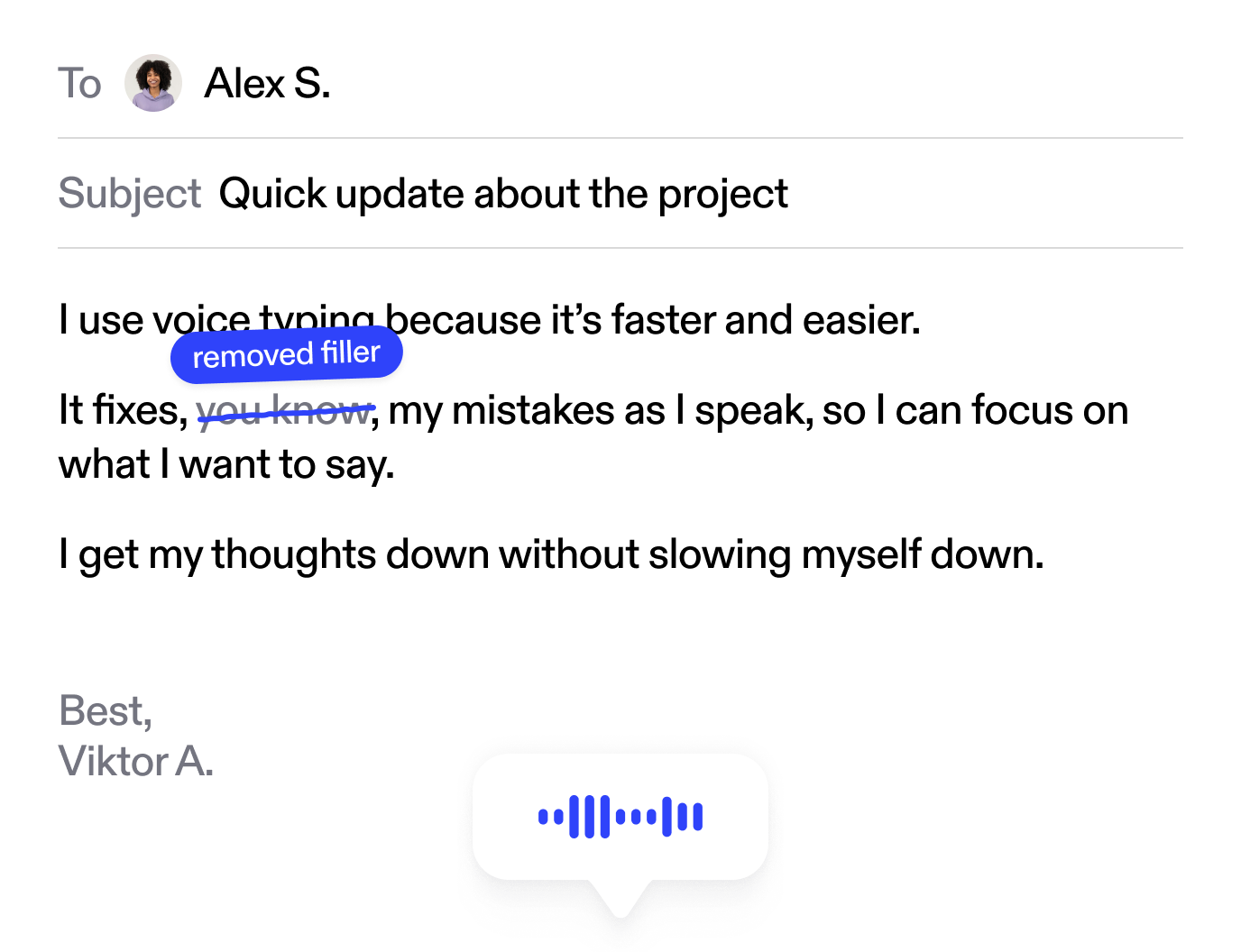
Use voice typing on any website. Perfect for Gmail, Google Docs, ChatGPT, and more. Voice typing is 5x faster without typos. Just start talking and Speechify polishes your writing.
How Speechify Supports Employees Through Access to Work
Speechify isn't just a tool - it's an inclusive productivity solution. It helps employees with disabilities engage with workplace materials in a way that suits their cognitive and physical needs.
Visual Processing and Visual
Impairments
For those with visual impairments or visual processing difficulties, Speechify provides a stress-free auditory alternative to dense text, supporting longer listening sessions with customisable voices.
Attention and Focus
Listening to work materials while walking or using calming background music helps employees stay focused and alert - especially those with ADHD or concentration challenges.

Dyslexia Support
Speechify removes the challenge of decoding text, enabling dyslexic employees to understand content efficiently. Highlighting while reading boosts comprehension and engagement.
Fatigue Management
For employees with chronic fatigue, MS, or similar conditions, Speechify reduces the physical and mental strain of reading, allowing them to conserve energy and maintain productivity.

Cognitive Load Reduction
Speechify helps manage mental fatigue and brain fog by simplifying how information is processed - allowing employees to focus more on ideas and tasks, not the effort of reading.

Voice Typing Dictation
Mac App
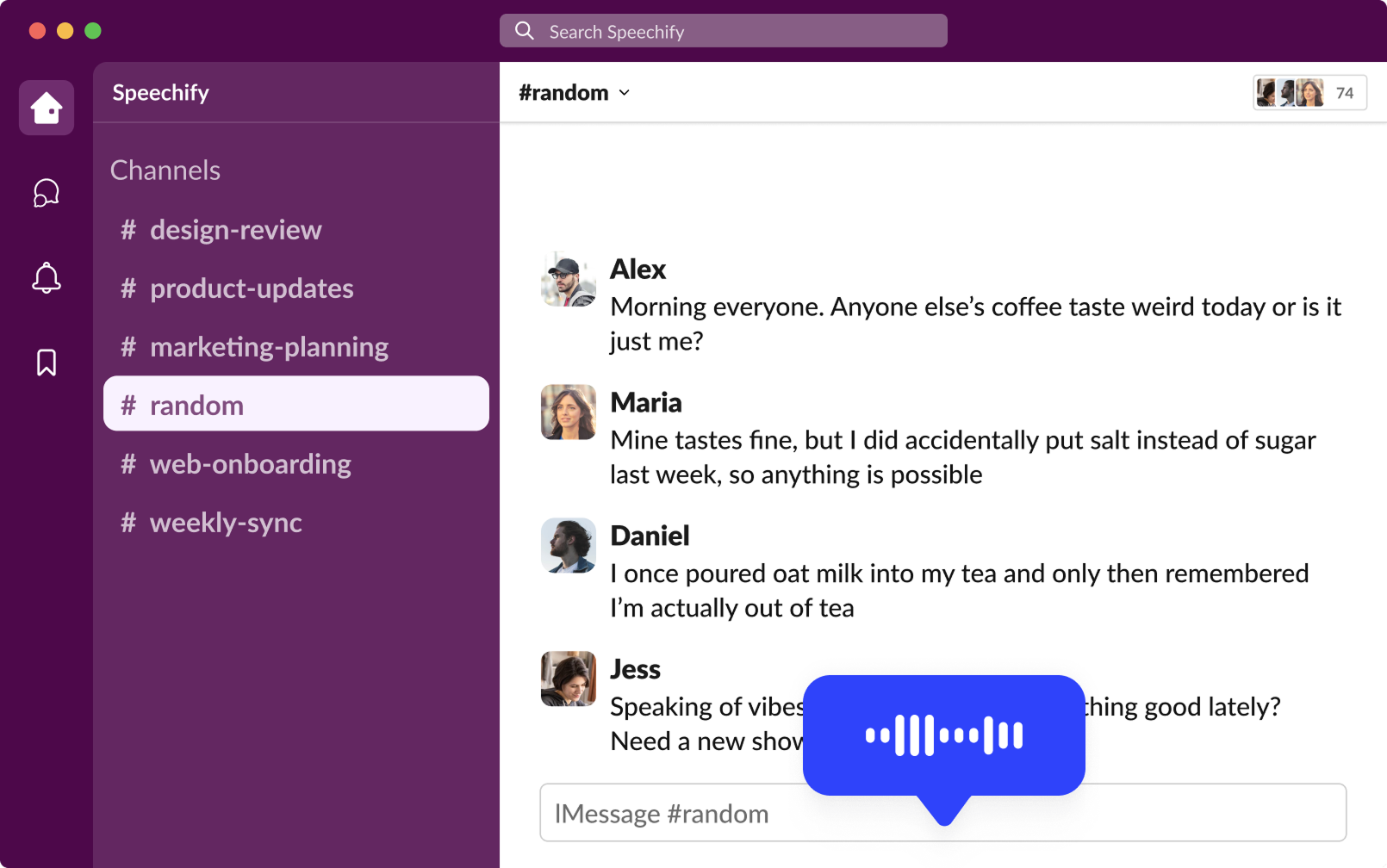
Voice type across any app on your desktop – Slack, email, Word, iMessage, Chrome, and beyond. Just start talking and Speechify polishes your writing.
Chrome Extension
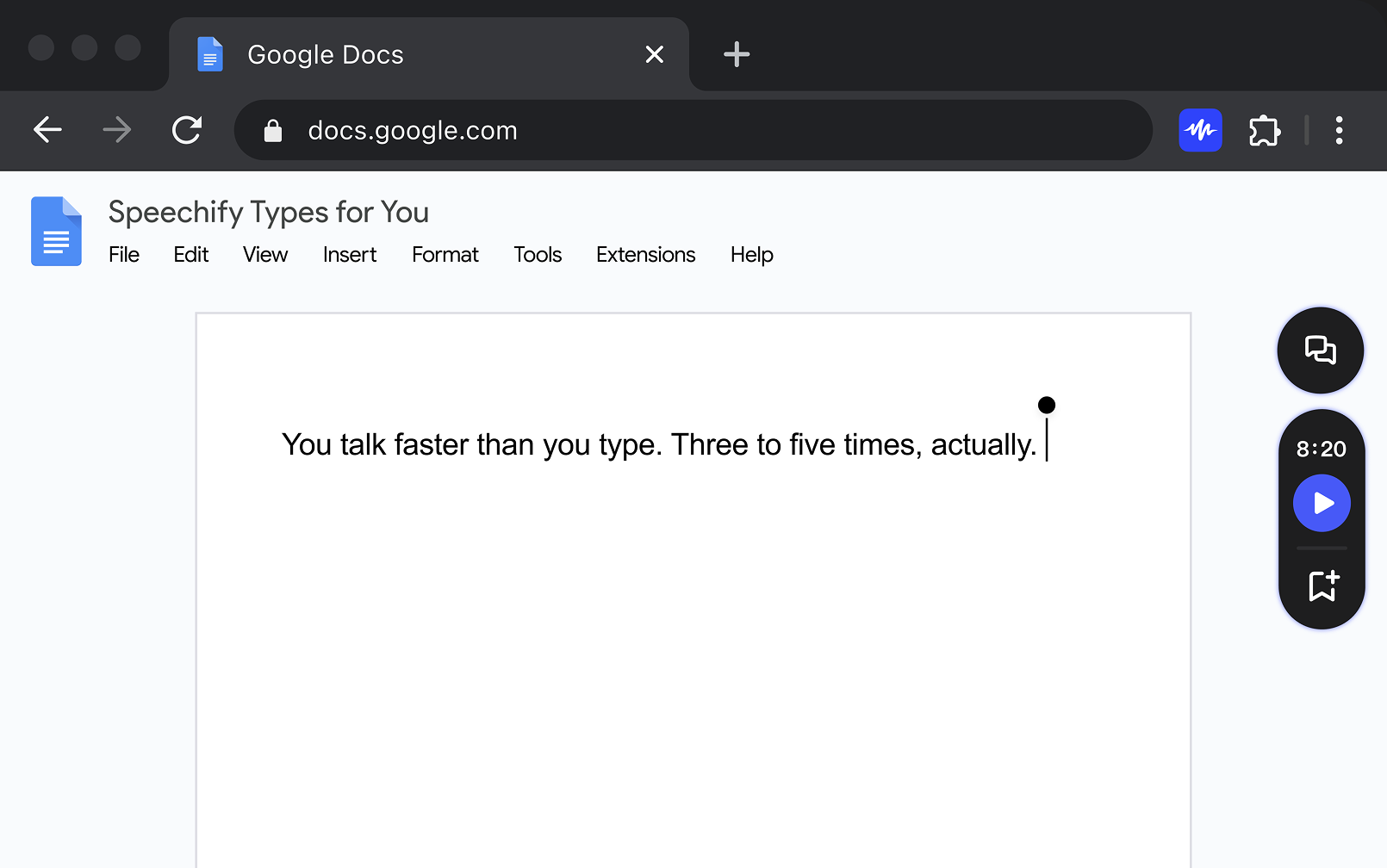
Use voice typing on any website. Perfect for Gmail, Google Docs, ChatGPT, and more. Voice typing is 5x faster without typos
Assessor Tool-Kit


FAQ
Yes, Speechify has been approved by the SLC as assistive technology and can be recommended as part of a DSA package during a needs assessment.
The Disabled Students' Allowance provides support to help you excel in higher education by addressing challenges you might face, whether they relate to academic studies, physical accessibility, or overall well-being.
Although it's called an 'allowance', you won't receive money directly. Instead, when you are awarded DSA, you can arrange support through approved providers (based on your location) who receive funding directly from your student finance body.
Eligibility
You may be eligible for DSA if you have:
- A disability
- A mental health condition
- A neurodivergent condition
- A chronic illness
- A learning difference
If you're unsure about your eligibility, please visit the government's eligibility criteria.
How to Apply
Visit Student Finance England or Student Finance Wales to start your application.
If you want an NFR License to demonstrate Speechify more effectively, please fill out the form to book an appointment.
Yes, we will supply you with a CPD certificate after attending a training session. Tap the button and fill in the form.
Yes! Speechify has a dedicated YouTube channel with tutorials, feature overviews, and tips for maximizing its benefits. You can explore the content to better understand how Speechify supports students.
Yes, we offer training sessions, demo accounts, justification documents, brochures, and helpful step-by-step guides that trainers can use to showcase Speechify’s functionality to students. Tap the button below and fill in the form.