Demo Video Maker
Effectively showcase your product or service, capturing audience attention and conveying key features in a visually compelling manner with the best demo video maker.
Featured In




The Best Free Demo Video Maker
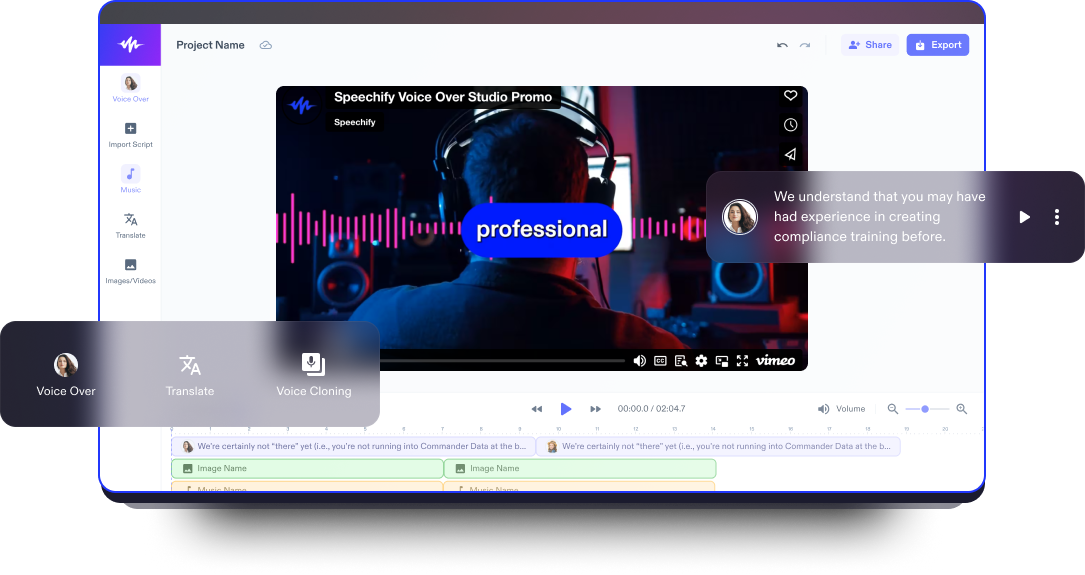
Speechify Studio’s video editor seamlessly combines a user-friendly interface with robust AI video editing features perfect for customizing product demonstration video creations.
Demo videos are visual presentations showcasing the features and functionalities of a new product or service, typically used as a marketing tool. These videos aim to provide a concise and compelling overview, demonstrating how the service or product works and highlighting its key benefits to potential users or customers.
With AI voice overs, AI avatars, transitions, annotations, animations, subtitles, and the integration of screen recording, Speechify Studio makes it easy for businesses and content creators to demonstrate their products or services and create compelling product demo videos effectively.
Additionally, Speechify Studio allows users to turn any video content into captivating and shareable content, from product explainer videos to tutorial videos and YouTube videos.
Free Demo Video Maker Templates
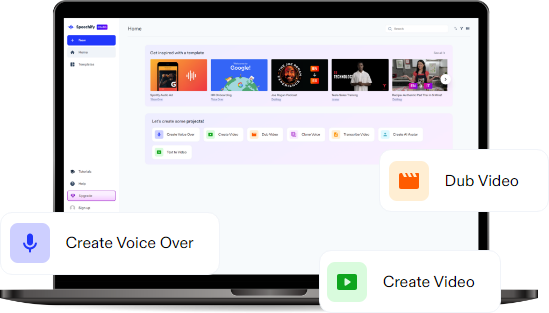
Start with a blank canvas or use our free Demo Video Maker templates to kickstart your projectl.
How to Create a Demo Video in Minutes
With Speechify Studio’s intuitive editing tools, creating a demo video is a swift process.

Import Your Video
Tap Images/Videos to import your video content, images, audio files, screen recordings, and webcam footage to aid your product demonstration. Don’t have footage? No problem. Browse our stock footage library that you can use for both personal and commercial projects.

Build Your Demo Video
Once your assets are imported, utilize the drag-and-drop functionality and editing tools to build your demo video creatively. Add transitions between product features, highlight key points, use annotations for clarification, and include a clear call to action.

Export Your Demo Video
Once you have a polished final product that leaves a lasting impression, hit the Export button. You can even easily resize your demo video or choose from various formats before exporting, ensuring your video will be compatible with various platforms.
When to Use Demo Videos
Educational Videos
An educational demo video serves as a demonstrative tool to showcase the practical application of concepts or skills within an educational context. Through a combination of visual demonstrations and explanatory commentary, it aims to provide a hands-on understanding of the subject matter, enabling learners to grasp key concepts more effectively.
Marketing Videos
For businesses, demo promo videos are instrumental in marketing strategies. By touching on customer pain points and then showcasing the features and benefits of a product in an engaging way, businesses can create effective marketing content for social media platforms, websites, and promotional campaigns, targeting potential customers with impactful visuals.
Training Videos
In a corporate setting, demo explainer videos play a crucial role in training employees on how to use new software, tools, or equipment. These videos simplify complex processes, ensuring that employees can access instructional content at their own pace, fostering a more efficient and effective training environment.

Demo Video Maker Tutorial
AI Demo Video Maker Features
Edit Demo Videos Like a Pro
Add flair to your demo videos with a variety of effects, such as transitions, video backgrounds, overlays, subtitles, fonts, images, and more to create visually stunning demo videos for social media platforms such as TikTok, Instagram, YouTube, and beyond.

Royalty-Free Media Library
Access an extensive stock library full of high-quality images, video clips, and background music, and choose footage that aids your product demonstration. Enhance your video content with high-quality media files without the hassle of worrying about copyright issues.
Multilingual Voice Overs
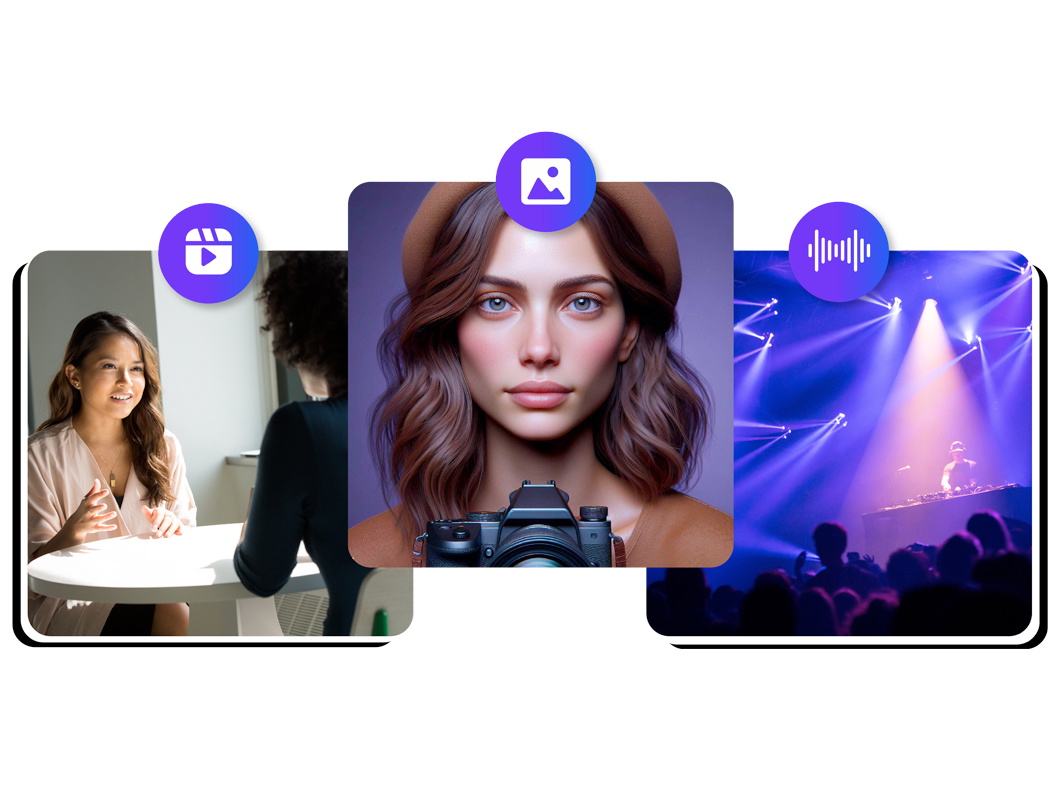
Speechify Studio offers not only the ability to add your own voice overs but also a selection of over 200+ humanlike AI text to speech voice over options across various accents and languages. With the AI dubbing feature, you can also translate your video into any language with just one click.
Discover more:
Frequently Asked Questions
Still Confused?
Create successful video marketing campaigns by clearly defining your target audience, crafting compelling content tailored to their interests and needs, and incorporating a strong call to action (CTA) to guide viewers toward desired actions and engagement.
Including a customer support number in your promo video can enhance accessibility and trust, providing viewers with a direct and immediate channel for assistance and potentially boosting customer satisfaction.
Demo videos are versatile marketing tools, effectively showcasing product features, explaining software functionality, providing tutorials, and demonstrating solutions to address specific pain points, ultimately boosting engagement and conversion rates.
To play a video in full screen on your iOS device, simply tap the full-screen icon in the bottom-right corner of the video player while it's playing.
Step 1: Plan your tutorial by outlining each step and organizing your content logically. Step 2: Record your tutorial using a screen recording tool, such as Speechify Studio, ensuring clear narration and capturing each step. Step 3: Edit your video with Speechify Studio, trimming unnecessary parts, enhancing audio quality, and adding overlays or annotations to clarify instructions before publishing your comprehensive step-by-step tutorial.
Speechify Studio is an excellent choice for making product demo videos on Mac. It offers beginner-friendly AI video editing features at affordable pricing and even offers a free plan.
Speechify has made my editing so much faster and easier when I’m writing. I can hear an error and fix it right away. Now I can’t write without it.

I used to hate school because I’d spend hours just trying to read the assignments. Listening has been totally life changing. This app saved my education.

Speechify makes reading so much easier. English is my second language and listening while I follow along in a book has seriously improved my skills.

Create More with Speechify